How to Create Proton Pass Aliases 2026: Even Replies Stay Private
Proton Pass made me an alias in one click on a sign-up form. With no form open, its alias menu still makes one in under a minute.

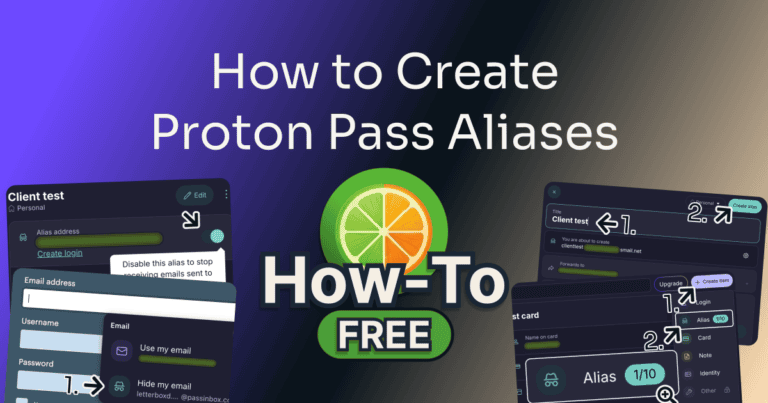
Proton Pass made me an alias in one click on a sign-up form. With no form open, its alias menu still makes one in under a minute.
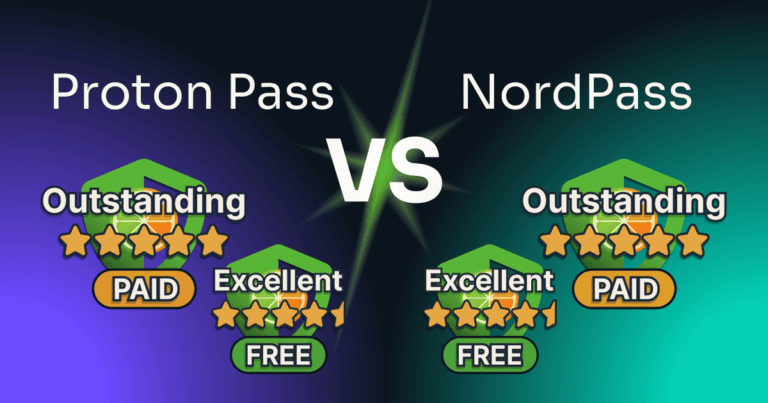
Proton Pass’s free plan kept my phone and computer signed in together, while NordPass’s signed my computer out the moment the phone signed in. NordPass hit back with a folder for every client on its free plan, and a paid plan that’s easier to live with.
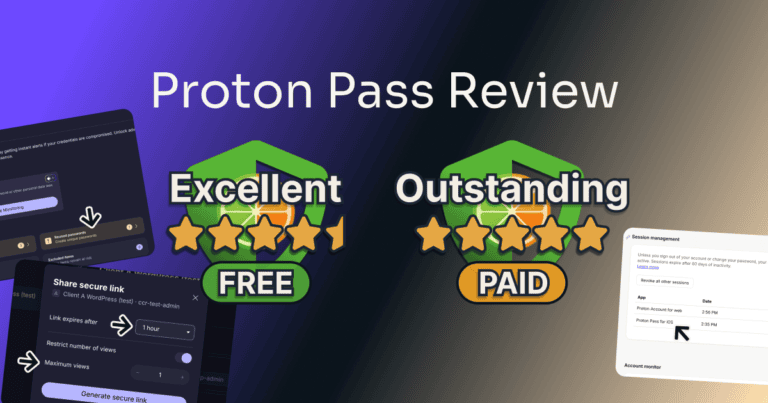
Proton Pass’s free plan kept my computer and phone signed in together and flagged my weak passwords, two things NordPass charges for. The catch is two vaults, so a third client has nowhere of their own.
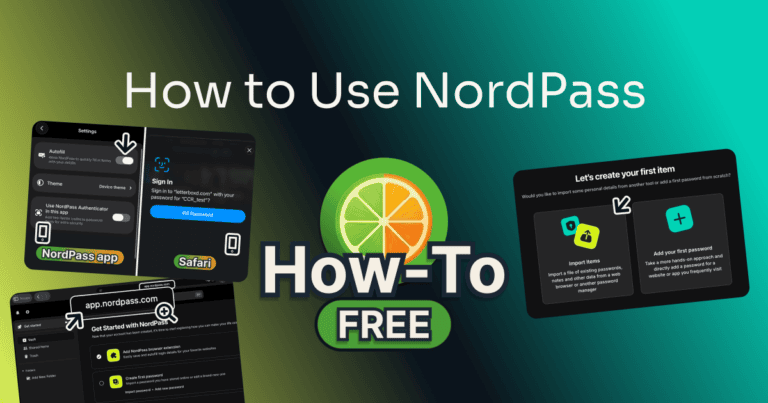
In NordPass, filling a saved login took me 3 clicks, from an empty username box to signed in. Setup takes about 10 minutes, from the two passwords at sign-up to autofill on the phone.
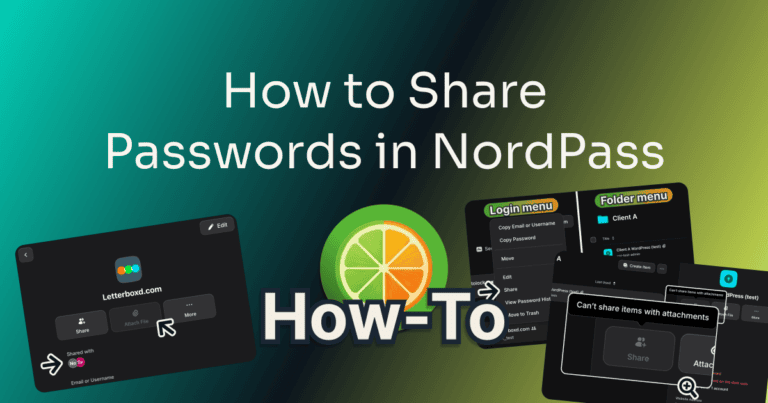
On NordPass’s “Can autofill” level, the person I shared with couldn’t see or copy the password: NordPass told them “You don’t have permission for this action”. Here are the clicks to share a login and take it back; sending needs Premium or Family.
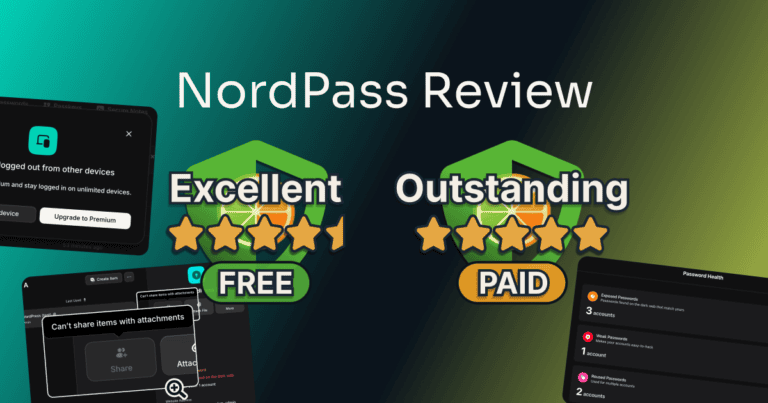
NordPass’s free plan filled a saved login in three clicks and kept my client logins in tidy folders. Then I signed in on my phone, and my computer signed itself out.
Clear-Cut Reviews uses cookies to keep the site working. Analytics cookies are optional and show which reviews people read. Accept or deny them below.
Clear-Cut Reviews uses cookies to keep the site working. Analytics cookies are on as well, and they show which reviews people read. You can turn those off below, and change your choice at any time.